Wacom Intuos Small, Wired Graphic Drawing Tablet with Pen + Software




Wacom Intuos Small, Wired Graphic Drawing Tablet with Pen + Software Review
Getting started with digital art can feel like a big step, especially if you have only ever drawn with a pencil on paper or edited photos with a mouse. The Wacom Intuos Small is a wired graphic drawing tablet built specifically with that starting point in mind. Wacom describes it as a tablet for people who are getting into drawing, painting, or photo editing on a Mac, PC, Chromebook, or select Android smartphones and tablets. Rather than assuming you already know your way around a pen tablet, the package is put together around helping you begin.
That positioning matters because the Intuos Small is not simply a slab you plug in and figure out alone. Wacom bundles software and online training with the tablet, and the company frames the whole product around the idea that the pen, the design, the software, and the tutorials work together. For anyone curious about what a drawing tablet actually offers compared with a mouse or a touchscreen, this is a useful place to start understanding the category.
Design and Build Quality
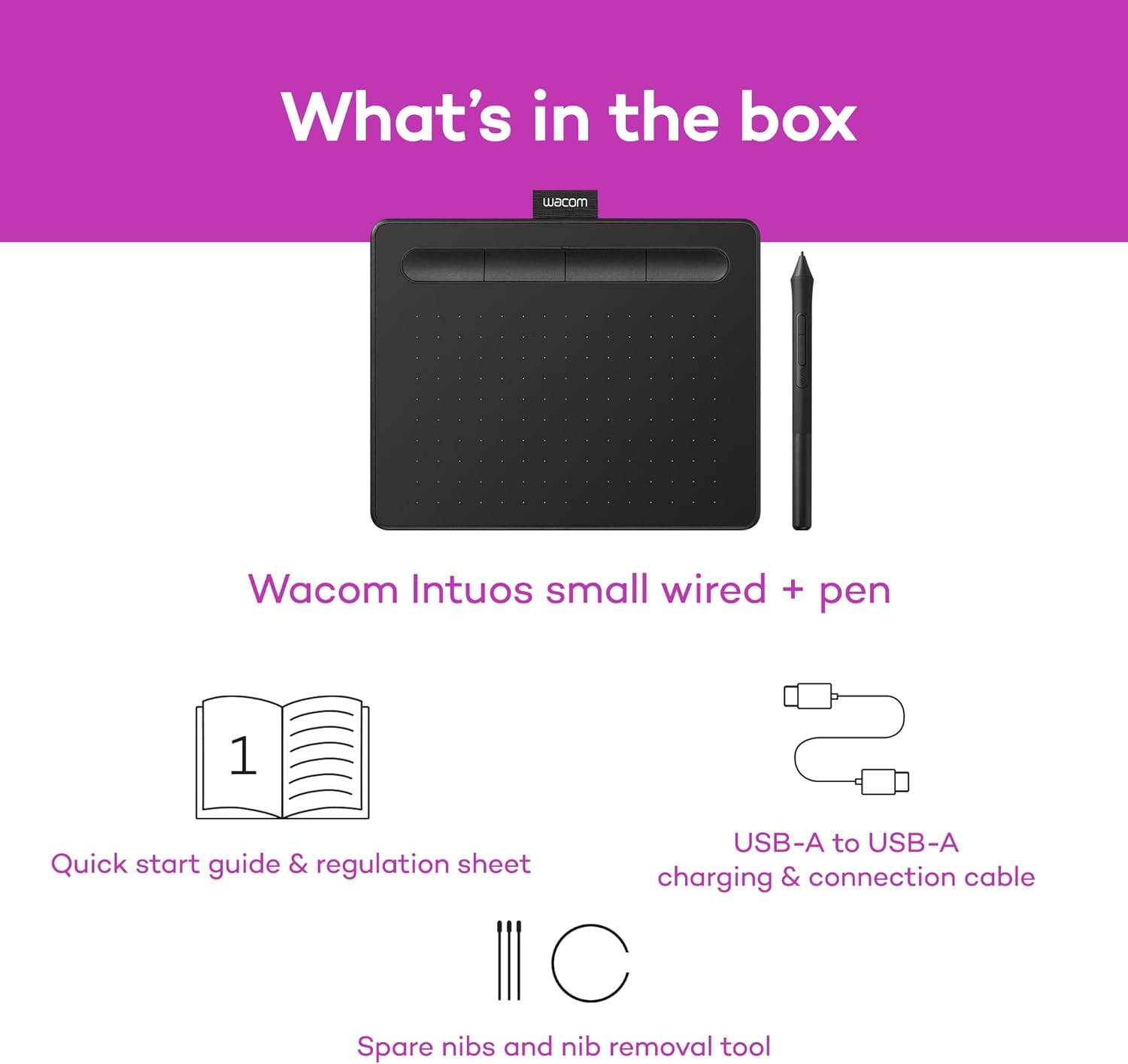
The Intuos Small is described by Wacom as having a stylish design, and it is a compact pen tablet rather than a pen display. That distinction is worth spelling out: the tablet itself is a surface you draw on while watching your screen, not a screen you draw directly onto. This is the traditional tablet format, and it is the format Wacom has built its reputation around.
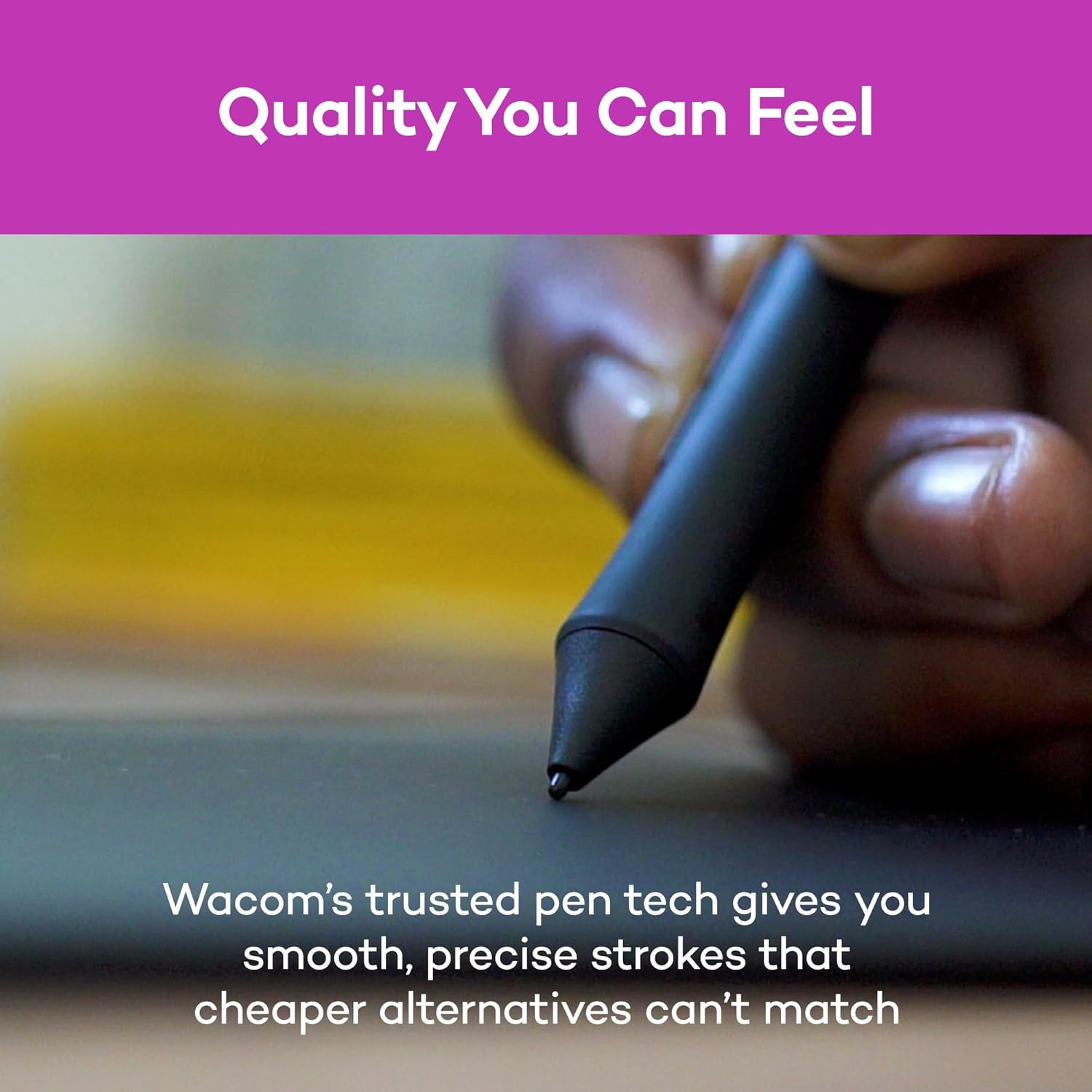
The pen is a central part of the design story. Wacom calls it a light, super-accurate pen, and it uses the company’s EMR technology. EMR stands for electromagnetic resonance, and the practical detail Wacom highlights is that the pen is battery free. That means there is no pen battery to charge or replace, which removes one recurring task from the workflow. Wacom also states that the pen delivers a pen-to-paper feeling, a characteristic it presents as part of the drawing experience rather than a measured result.
Features and Technology
The headline technology here is Wacom’s EMR pen system. Wacom describes the Intuos as offering industry-leading tablet performance in superior control and precision, and it attributes that to the battery-free EMR design. The company also states that its pen technology and pen-to-paper feeling are what make Wacom the preferred drawing tablet of professional graphic designers. Those are Wacom’s own claims about its product and its standing in the market, and they are worth reading as stated positioning rather than independent findings.
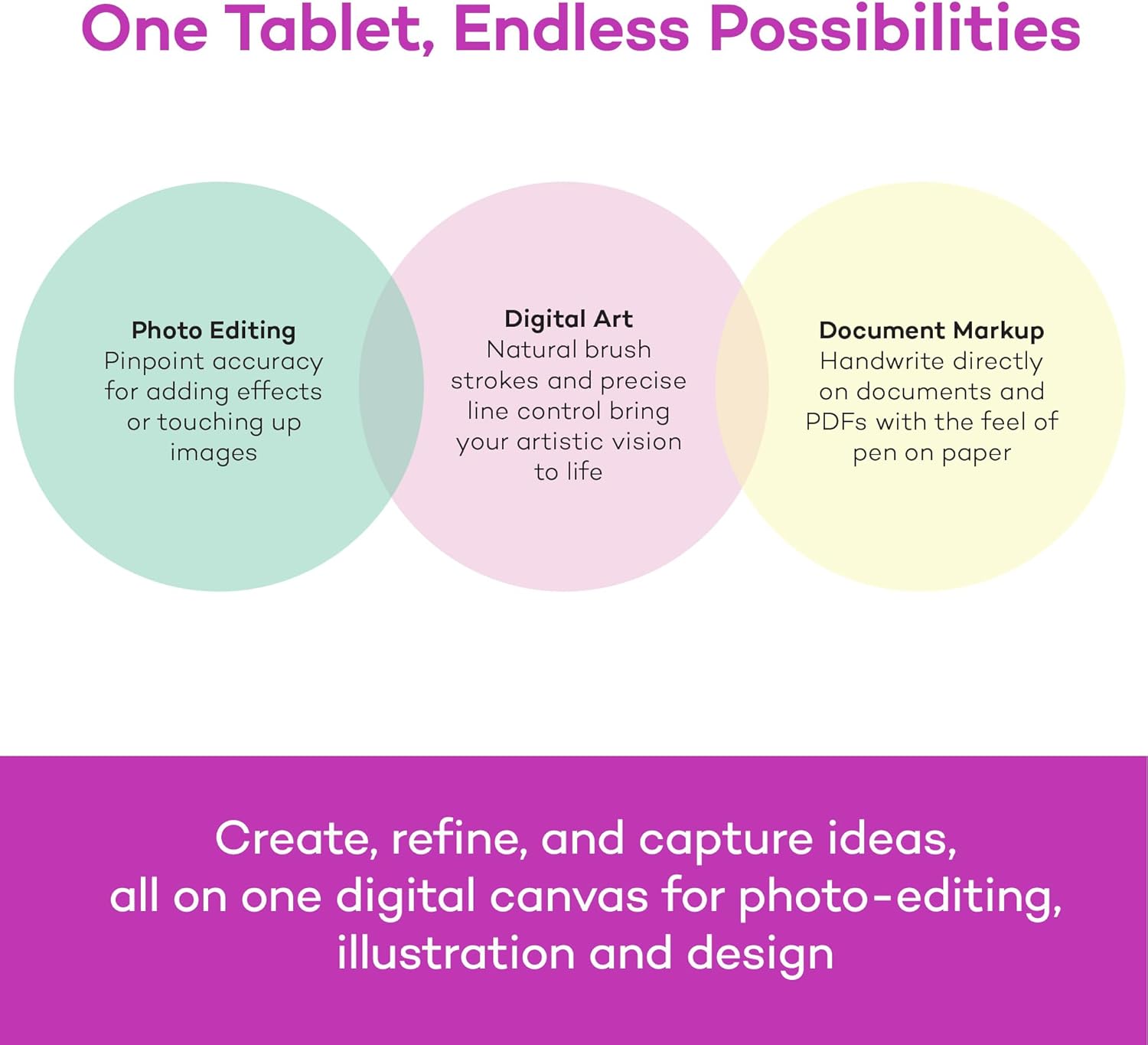
Software compatibility is another stated feature. Wacom says the Intuos tablet can be used in any software program, which is a broad claim covering drawing, painting, photo and video editing, design work, and document markup. For a beginner, that breadth is significant because it means the tablet is not tied to one particular creative application. You are not choosing a tablet that only works inside a single ecosystem.
Wacom also emphasizes that it is the only company giving software with every purchase. After registering the Intuos tablet, owners gain access to a selection of creative software along with Wacom’s online training. The exact software titles are not specified in the supplied information, so the practical takeaway is simply that registration unlocks both applications and learning material. For someone new to digital creativity, the training side may matter as much as the software itself.
Performance and Everyday Experience
Because the Intuos Small is a pen tablet rather than a standalone computer, its everyday experience depends on the device it is connected to. Wacom positions it for drawing, painting, and photo editing, and also for writing, editing, and conveying ideas in education or remote work settings. That second set of uses is easy to overlook. A pen tablet is not only for artists. Marking up documents, sketching out an idea during a call, or handwriting notes are all tasks Wacom explicitly lists as suitable for this device.
The wired connection is part of how the tablet operates, and it is worth noting that this configuration is the wired version rather than a wireless one. The supplied information does not describe wireless operation, so buyers should treat the wired connection as the intended setup for this particular listing.
Wacom’s description of the pen as light and super-accurate suggests an emphasis on control during longer sessions, though the company’s wording is a product claim rather than a measured specification. What can be said plainly is that the EMR pen requires no battery, so there is no charging routine interrupting a drawing session, and the tablet is designed around a pen-on-paper feel that Wacom presents as central to the experience.
Connectivity and Compatibility
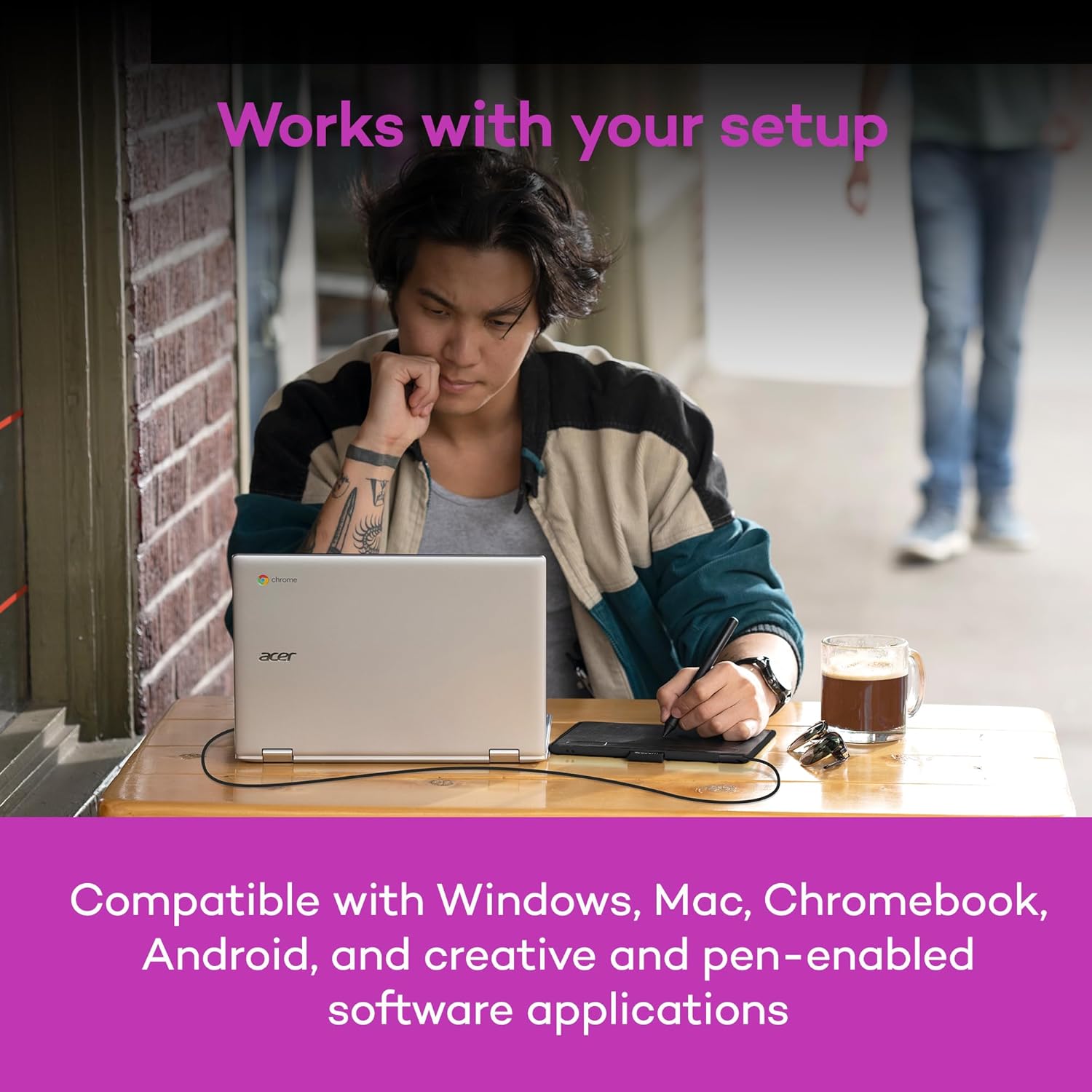
Compatibility is one of the more clearly defined aspects of this tablet. Wacom states that the Intuos works with Mac, PC, Chromebook, and select Android smartphones and tablets. The word “select” is important here. Not every Android device is covered, so checking your specific model against Wacom’s compatibility information before buying is a sensible step.
For Chromebook users, Wacom notes that the product works with devices capable of running the latest version of Chrome OS and that it has been certified to meet Google’s compatibility standards. The listing also includes the standard clarification that Google is not responsible for the operation of the product or its compliance with safety requirements. In practice, this means the tablet carries a Works With Chromebook designation, which is a compatibility marker rather than a guarantee about how any individual app will behave.
On the software side, the stated ability to work in any software program means the tablet is not restricted to a single creative suite. Combined with the included training and software access after registration, the setup is aimed at getting a new user productive without requiring a separate shopping list of applications.
Who Is This Product Best For?
Wacom is direct about the intended audience: people who are getting started with drawing, painting, or photo editing. If you are moving from paper or a mouse into digital creation for the first time, the combination of a compact tablet, a battery-free pen, included software, and online tutorials is structured around that transition.
It is also a reasonable fit for students, teachers, and remote workers who need to write, edit, or communicate ideas visually, since Wacom lists education and remote work among the intended settings. And because the tablet works with Mac, PC, Chromebook, and select Android devices, it suits users who want one drawing tablet that can move between the systems they already own, provided their specific device is supported.
Final Verdict
The Wacom Intuos Small is a wired pen tablet positioned squarely at the entry point of digital creativity. Its strongest stated assets are the battery-free EMR pen, the pen-to-paper feel Wacom describes, broad software compatibility, and the inclusion of creative software and online training after registration. The compact size and the traditional tablet format keep the concept simple: you draw on the tablet, you watch your screen.
The main considerations are the wired connection and the “select” nature of Android support, both of which are worth confirming against your own setup. For beginners in drawing, painting, or photo editing, and for anyone who needs a straightforward tool for writing or marking up ideas on a Mac, PC, Chromebook, or supported Android device, the Intuos Small presents a coherent, well-explained starting package from a company that has spent decades in the pen tablet market.
View on Amazon